


Connect your AI to amana*
Claude · ChatGPT · Hermes · Grok Bot · and more
Connect your favorite AI tool to your amana account through the
Model Context Protocol (MCP)
and manage your trading in a whole new way.
Use AI to:


View your portfolio
and positions.


Analyze trading
performance.


Check market news
and prices.


Place and
manage trades.
Learn more & connect your AI
amana AI is here!
Be among the first to experience a new way to interact with your amana account.
Connect your favorite AI assistant to explore markets, analyze your portfolio and manage trades.
Looking to optimize your
amana trading account?
Here’s how you can connect your favorite AI to get started:
How to connect your AI
to amana (MCP server)

Step 1
Open your AI assistant
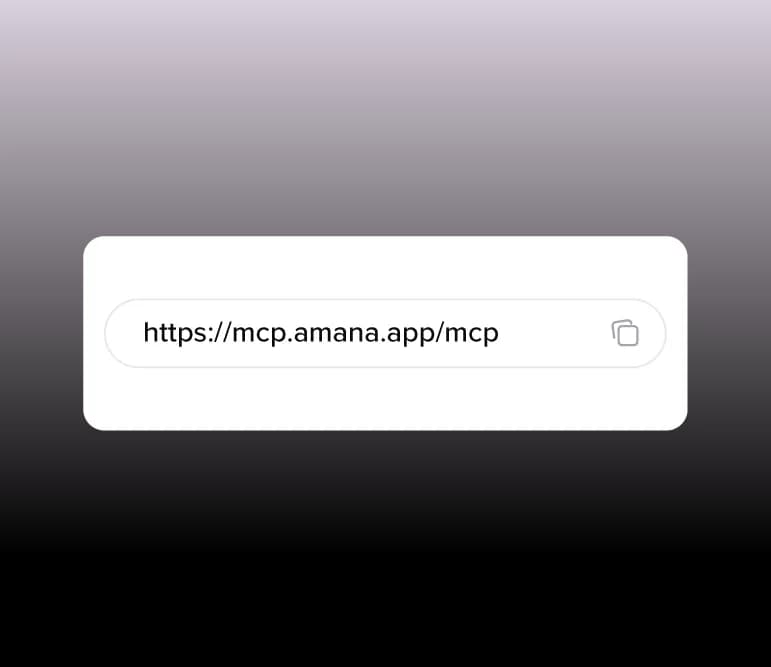
Step 2
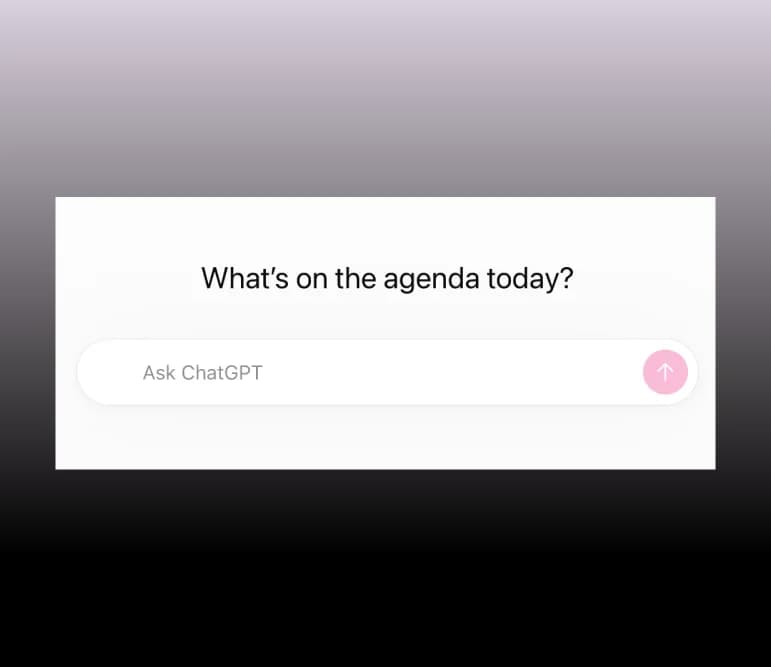
Step 3
Start exploring what
the amana MCP can do
*The process of connecting your AI Assistant might vary depending on which AI tool you're working with.
What you need to know:

Your password stays
with amana.
You sign in securely through amana, not through your AI assistant.

By default, every trade needs your approval.
Review and explicitly confirm orders before execution.

Disconnect
anytime.
Revoke access
through the AI assistant.

Remember, AI can make mistakes and does not provide investment advice.
Always verify important information before trading.
Need help?
We're always looking to improve your experience. If you have questions, suggestions, or feedback about amana AI, our Customer Support team would love to hear from you. Contact [email protected].
REST API
Take Control
of Your Trading*
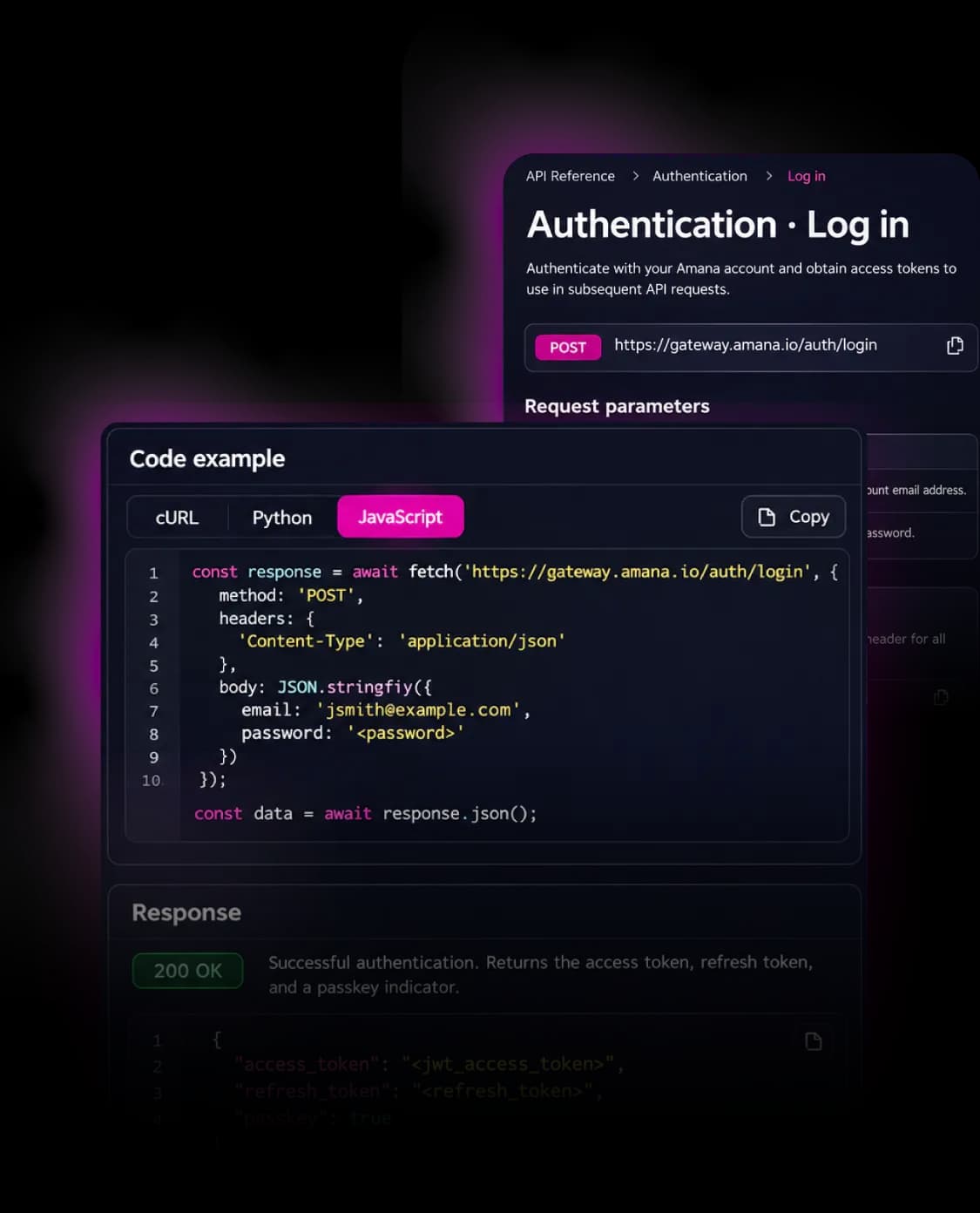
Build trading bots and apps with amana's REST API. React to market moves, automate trades and manage your positions without opening the amana app.
Designed for developers and tech-savvy traders who want to create their own trading tools and automated strategies.
For more information, contact amana's Customer Support.

FIX API
Built for Professional
& Institutional Trading*
Connect your trading systems directly to amana to execute orders efficiently, automate advanced strategies and manage high trading volumes with greater control.
Designed for banks, hedge funds, professional trading desks and algorithmic trading firms that need high-performance trading connectivity between their trading systems and a broker.
*AI & API Disclaimer:
AI-generated information may be inaccurate or outdated and does not constitute investment advice. AI-assisted and automated trading may involve technical errors, connectivity failures, unintended orders and third-party risks.
Users remain responsible for their trading decisions, strategies, account access and orders executed through their accounts.
Connecting third-party tools or applications may involve sharing personal and account data, subject to the relevant providers’ terms and privacy policies. Beta features may be limited or subject to change.